
Smart city - Intersection safety analysis
See how people and vehicles move through an intersection on an ordinary day, by approach and by hour.
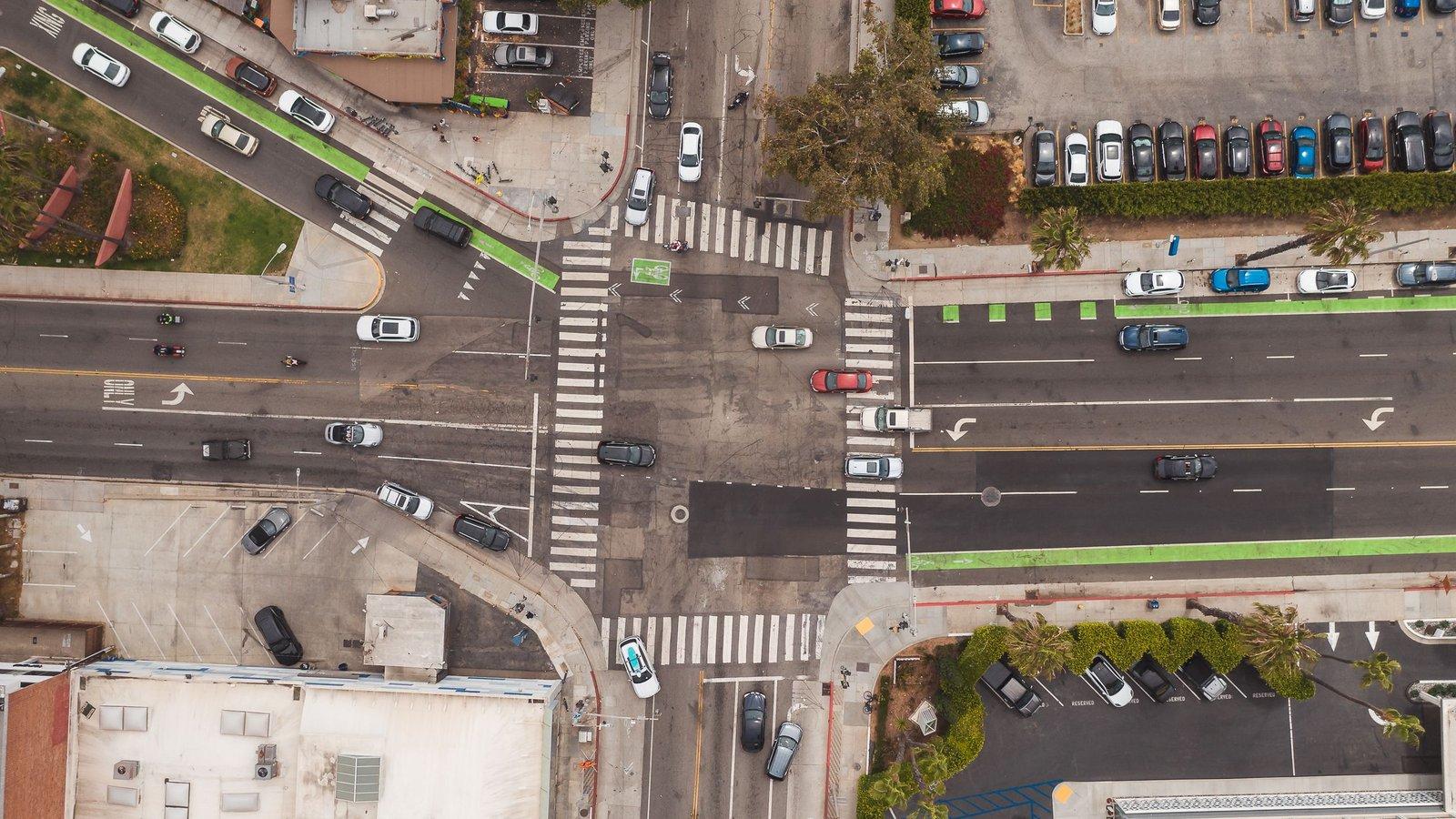
What a pilot can look at
In a pilot, ConductVision can be set up to measure or flag these for your engineers to review.
Turning conflicts
Turning vehicles and people in the crosswalk reaching the same point close together.
Left turns
Left-turning vehicles and the oncoming traffic they cross.
Driver yielding
Whether drivers stop or slow for people crossing.
Entering on red
Vehicles entering after the signal turns red, where the signal is in view.
Queues
How far vehicles back up on each approach, by hour.
Blocked crosswalks
Vehicles stopped in a crosswalk.
By approach and by hour
Results come by approach, movement and hour, so your engineers can compare one leg of an intersection with another, and measure it the same way before and after a change.
What it does not do
ConductVision does not warn drivers or people crossing, control signals or issue tickets.
Pilot - How a pilot starts
A paid pilot covers one intersection. Your team sets the criteria before any results come in. You decide whether to roll out, change the scope or stop.
- You bring
- Recorded video from the cameras at one intersection, and what you want to learn about it. A first look at your footage shows whether the camera views will work.
- We set up
- ConductVision for your camera views. A measure that is right at one camera may not be right at the next, so before results go out a ConductVision engineer measures a sample from each camera by hand to check them.
- You get
- Results by approach, movement and hour, with flagged clips, and a final report on whether the pilot met the criteria your team set.
Related pages
- Near miss analysisWhere road users nearly collide.
- Traffic countsTurning movement counts and volumes from video.
- Pedestrian safetyCrossings, yielding and where people actually cross.
- Before and after studiesMeasure a street before and after a change.
- Sample street reviewWhat you get at the end of a street pilot.
- Privacy and public camerasWhat happens to street video.