
Docks and yards - Yard and dock records from your cameras
In a pilot, ConductVision can be set up to show which dock doors have a trailer, how long each stays at the dock, how many pallets move and when trailers cross the yard. Your yard management or dock management system keeps the schedule. These records show what the cameras saw, so your team can compare the two.
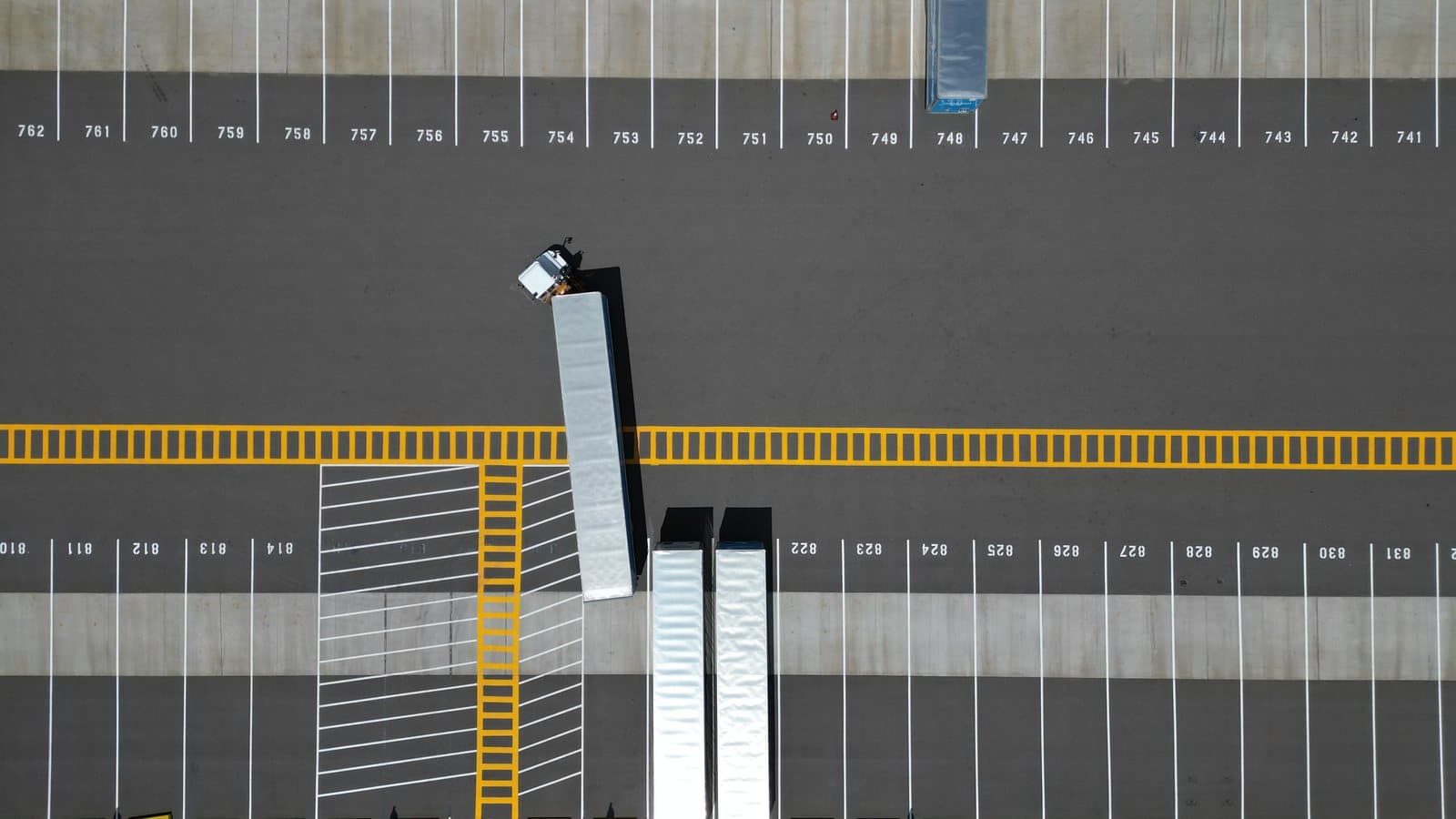
What a pilot can show
Trailers at doors
Which dock doors have a trailer and which stand empty.
Time at the dock
How long each trailer stayed at its door, from when it backed in to when it pulled away.
Pallet counting
Pallets counted as they pass through a dock door.
Yard moves
Trailers moved across the yard, with the time of each move.
Pilot - How a pilot starts
A pilot is one area of one plant. We look at footage you choose to share with us and agree with your team on what to watch for. A first look at your footage shows whether the camera views will work. Your team sets the criteria before any results come in. You decide whether to roll out, change the scope or stop.
- You bring
- Video from the cameras that already see your dock doors or yard
- We set up
- One dock or one stretch of yard, and the trailers or pallets to follow
- You get
- Trailer and pallet records for your team to check against your own, and a report of the results checked against the criteria your team set
ConductVision works with the camera system you already run. We do not install cameras. ConductVision runs on a computer at your site. Full recordings never leave your network, and short clips leave it only as your statement of work sets out. Faces can be blurred, or people shown as simple figures, when your policy calls for it.
Related pages
Plants where this applies
Contact us
Tell us which cameras you have and what you want them to watch for.
- Headquarters
ConductScience Inc.
5250 Old Orchard Rd Suite 300
Skokie, IL 60077
+1 (847) 983-3672 - Sales & Support
info@conductscience.com
Mon to Fri, 9 AM to 5 PM Eastern