
Smart city - Curb management data from your cameras
Find out who uses your curb, when and for how long, from the cameras your city already runs.
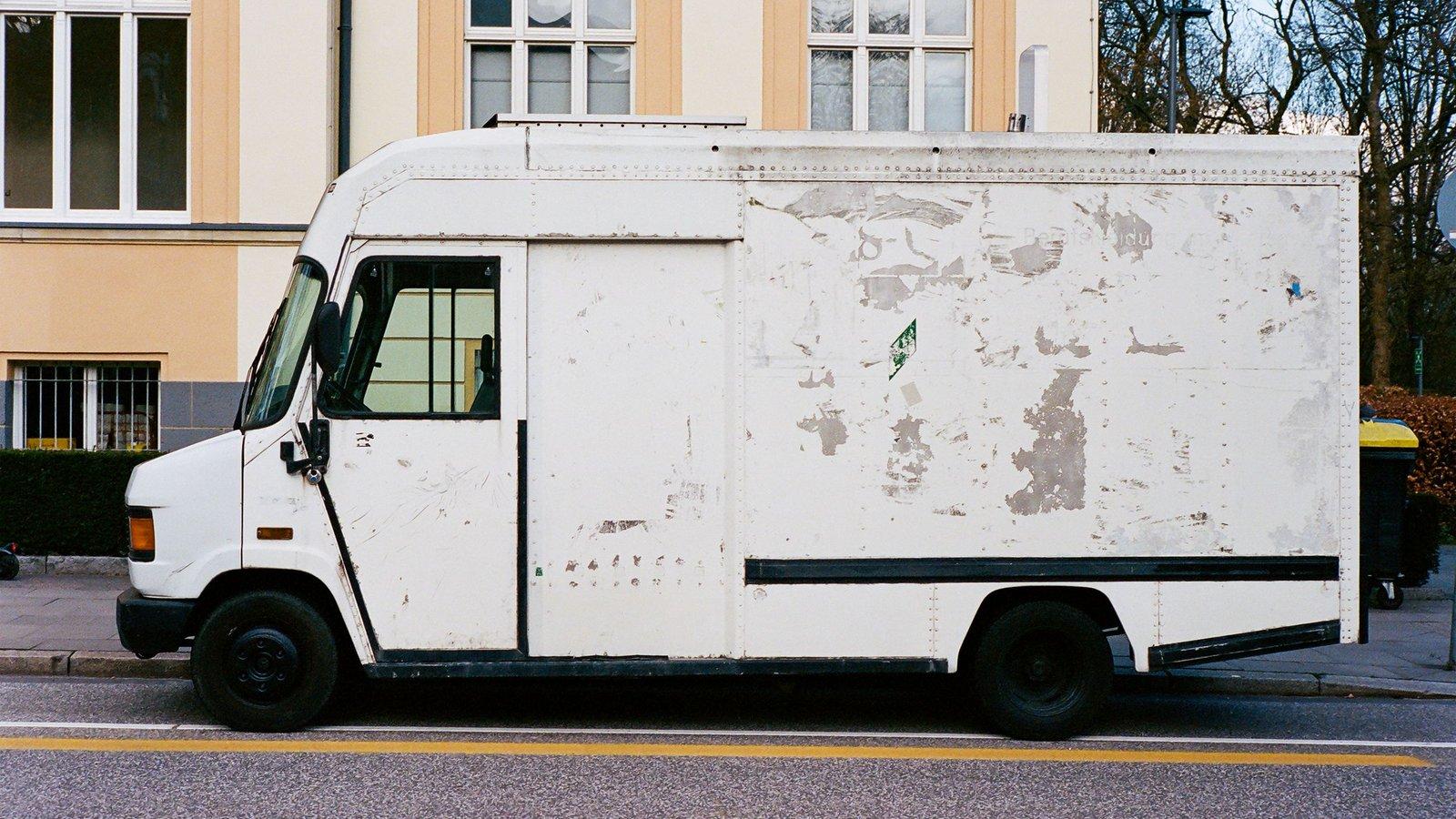
What it can show
ConductVision can count vehicles at the curb, and in a pilot it can be set up to measure the rest.
Who uses the curb
Trucks, vans, buses and cars, by block and by hour.
How long they stay
Time at a loading zone or a curb space.
Loading zones
How often each zone is full, by hour.
Double parking
Vehicles stopped in a travel lane.
Blocked bus stops
Vehicles stopped where a bus needs to pull in.
Blocked bike lanes
Vehicles stopped in the bike lane.
No tickets
These counts are for planning. ConductVision does not issue tickets.
Pilot - How a pilot starts
A paid pilot covers one block or one corridor. Your team sets the criteria before any results come in. You decide whether to roll out, change the scope or stop.
- You bring
- Recorded video from the cameras on one block or corridor. A first look at your footage shows whether the camera views will work.
- We set up
- ConductVision for your camera views. A measure that is right at one camera may not be right at the next, so before results go out a ConductVision engineer measures a sample from each camera by hand to check them.
- You get
- Curb use by block and by hour, and a final report on whether the pilot met the criteria your team set.
Related pages
- Smart parkingHow full your lots and curb spaces are.
- Transit stops and stationsPeople waiting, boarding and crossing to reach the stop.
- Bicycle safetyRiders, close passes and blocked bike lanes.
- Sample street reviewWhat you get at the end of a street pilot.
- Privacy and public camerasWhat happens to street video.